Create user account
Set up your account and install the app to start using Lead Companion.
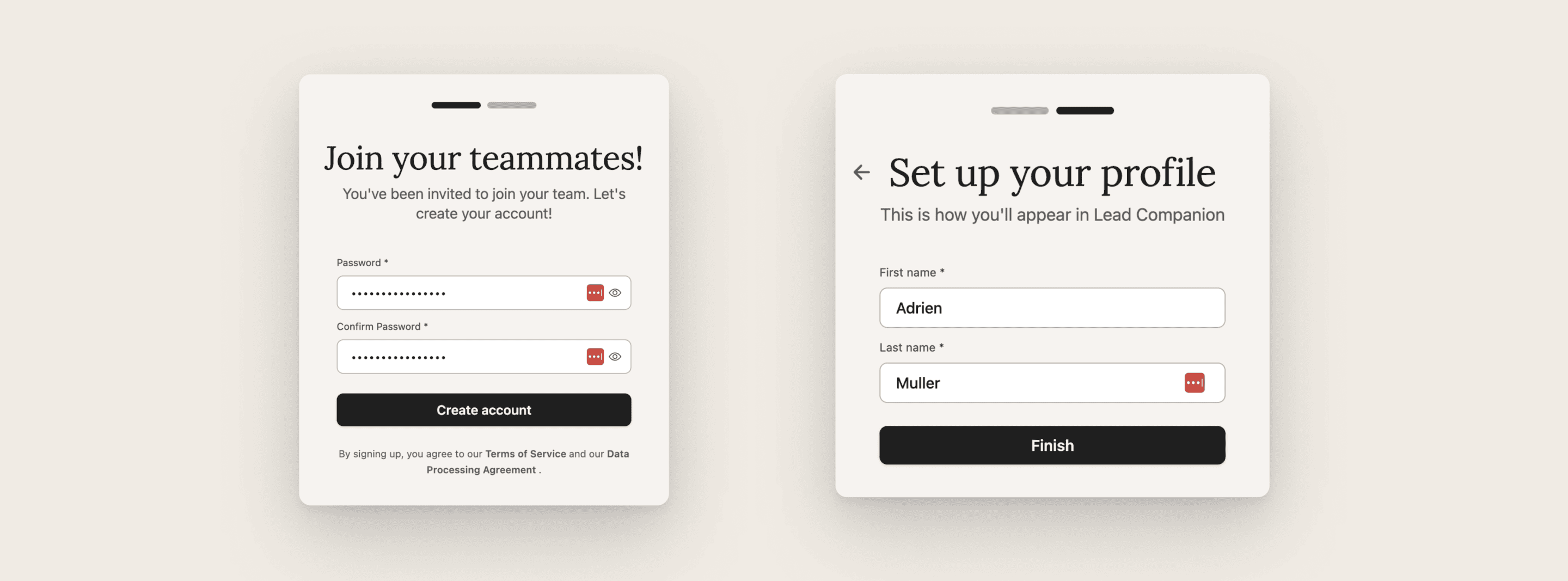
Step 1: Set your password
You will now need to set a password for your account.
Your administrator created your account. Your username is the email address through which you received the invitation email.
How to set your password
Open invitation email*
(sent when your Admin creates your account)Click the link in the email
Set your password & click “Create account”
Add your first and last name & click on “Finish”
Step 2: Install the mobile app via TestFlight

Install the Lead Companion mobile app via TestFlight to access the latest version.
If using Android or can’t use TestFlight, open the browser Webapp and skip this step!
How to install the mobile app
Install Testflight via the Apple App Store
Open invitation link to the Lead Companion
Click “Accept”
Click “Install” (or “Update/Open” if App already installed)
Every version is available for max. 90 days, but we push updates much faster than that.