Build your team in Lead Companion
Create team accounts and assign roles.
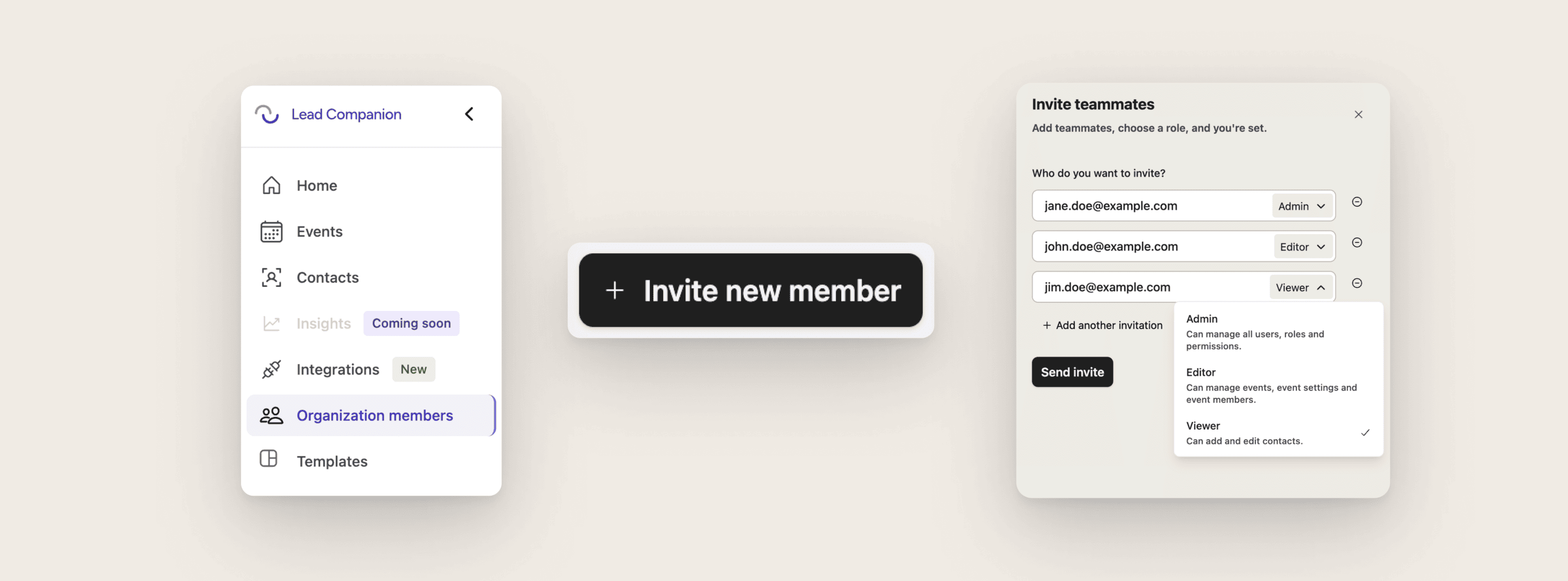
Only organization “Admin” roles can create additional user accounts and define roles.
Steps to take
Open the Desktop App in your browser, on your computer
Go to “Organization members” in the menu bar
Click on “Invite new member” (top right)
Add email address(es) and define the role(s)
Click “Send invite” (they will receive an email)